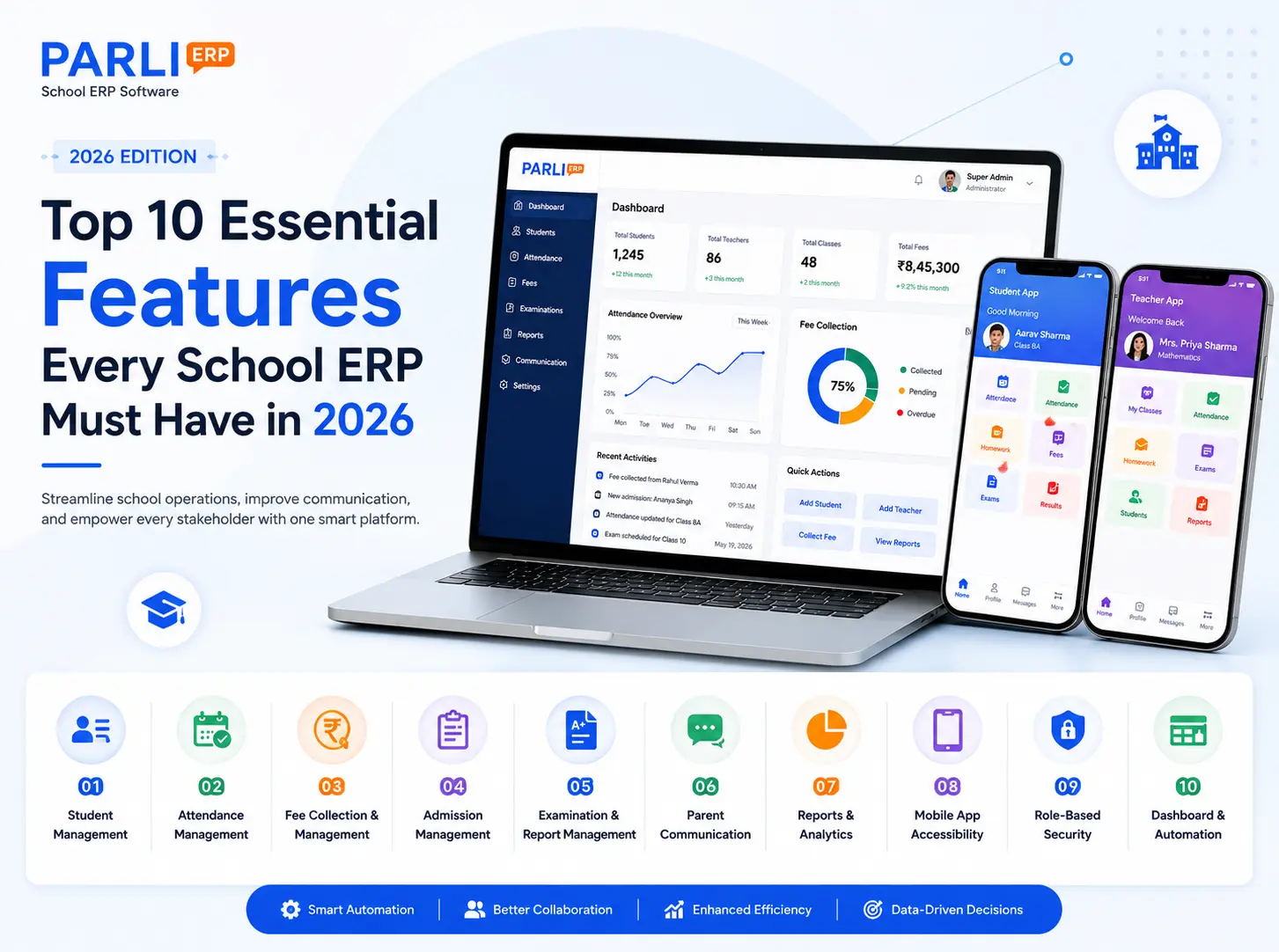
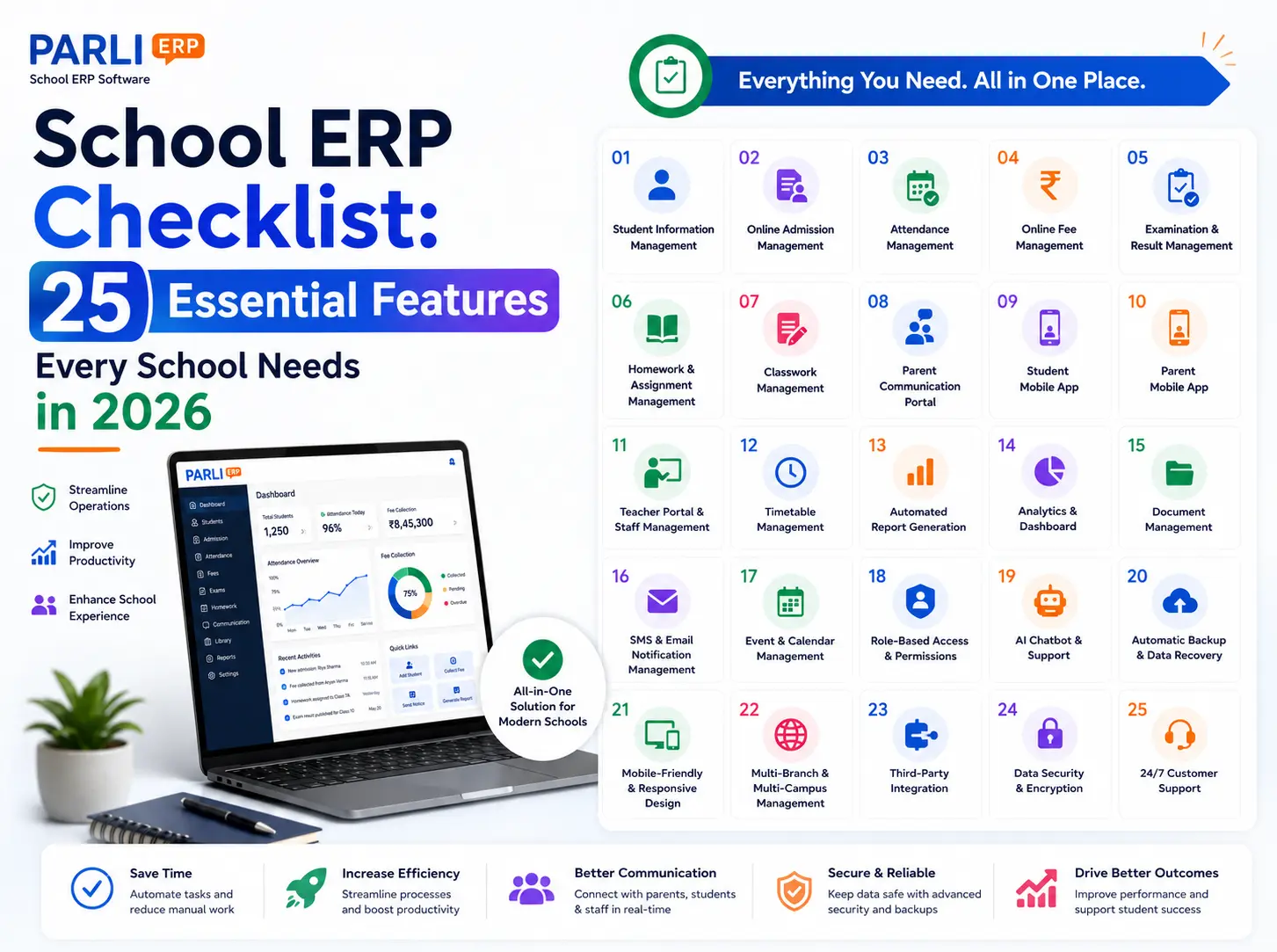
School ERP Checklist: 25 Essential Features Every School Needs in 2026
Choosing the right School ERP Software is one of the most important decisions for any educational institution. A modern School ERP should simplify…
A Complete Guide to Choosing the Best School ERP in 2026
Choosing the right School ERP Software is one of the most important decisions for any educational institution. A modern School ERP should simplify admissions, attendance, fees, examinations, communication, reporting, and academic management. This checklist highlights the 25 essential features every school should evaluate before investing in an ERP system.
To meet these growing demands, schools are increasingly investing in School Software that automates everyday operations. However, not every ERP system offers the same functionality. Choosing the Best School ERP requires careful evaluation of the features that truly support your school’s present and future needs.
This comprehensive checklist highlights the 25 essential School ERP Features every educational institution should look for before investing in a School ERP solution.
Why Choosing the Right School ERP Matters
A School ERP becomes the digital backbone of your institution. It connects administrators, teachers, students, and parents through a centralized platform, reducing paperwork and improving efficiency.
The right ERP helps schools:
 Automate administrative tasks
- Improve communication
- Reduce manual errors
- Save valuable time
- Enhance parent engagement
- Support data-driven decision-making
- Scale as the institution grows
Choosing software based only on price can lead to limitations later. A feature-rich system delivers greater long-term value.
Student Information Management
The ERP should maintain complete student profiles in a centralized database.
Look for:
- Personal information
- Academic records
- Contact details
- Enrollment history
- Medical information (if required)
Online Admission & Enrollment Management
Admissions should be simple and paperless.
Essential features include:
- Online application forms
- Document uploads
- Application tracking
- Admission status updates
Attendance Management
Digital attendance saves time and improves accuracy.
The system should support:
- Daily attendance
- Class-wise attendance
- Attendance reports
- Absence tracking
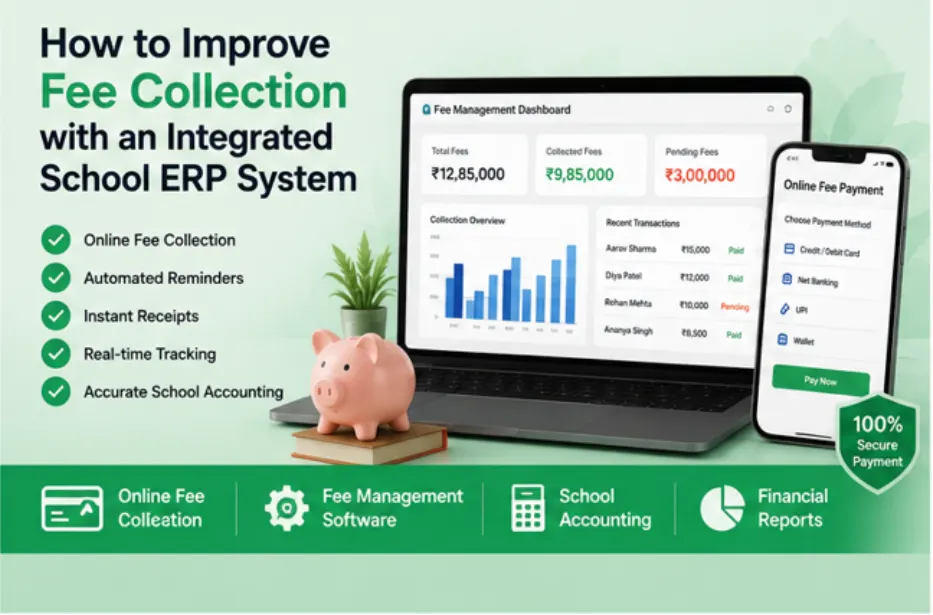
Online Fee Management
A strong fee management module should provide:
- Custom fee structures
- Online fee collection
- Payment tracking
- Receipt generation
- Outstanding fee reports
Examination & Result Management
The ERP should simplify examination administration.
Look for:
- Exam scheduling
- Marks entry
- Grade calculations
- Result publishing
- Report card generation
Homework & Assignment Management
Teachers should be able to assign homework digitally.
Features should include:
- Assignment creation
- Due dates
- Submission tracking
- Homework history
Digital Classwork Management
Daily classroom activities should be easy to manage and share with students and parents.
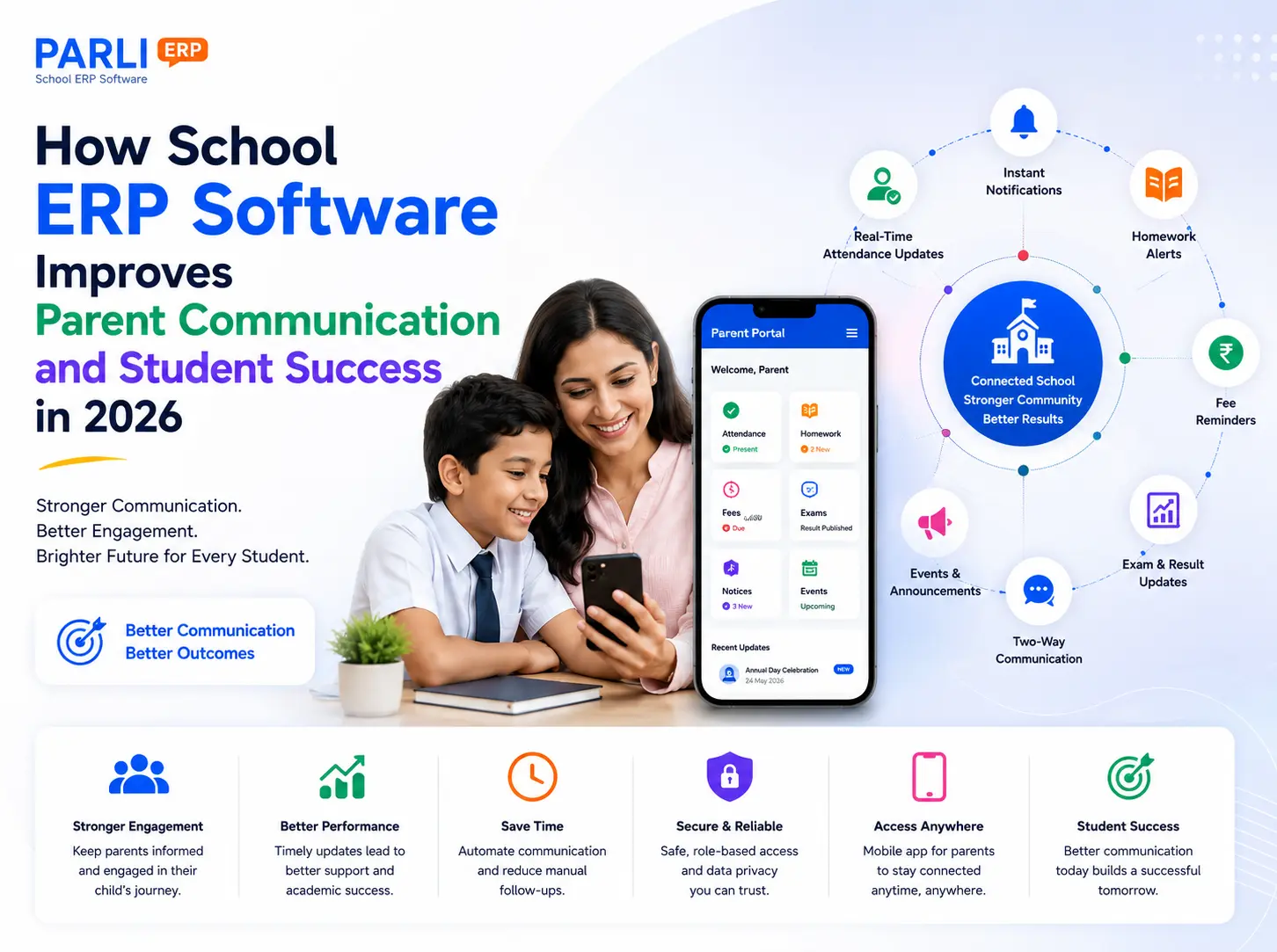
Parent Communication & Parent Portal
Communication should be centralized and efficient.
Essential features include:
- Notices
- Circulars
- Announcements
- Push notifications
- Secure messaging
Student Mobile App
Students should have easy access to:
- Homework
- Timetables
- Attendance
- Exam schedules
- Announcements
Parent Mobile App
Parents should be able to view:
- Attendance
- Fee details
- Homework
- Notices
- Student progress
- School events
Teacher Portal & Staff Management
Teachers need a dedicated dashboard to:
- Mark attendance
- Manage assignments
- Enter marks
- Communicate with parents
Class Timetable Management
The ERP should support:
- Class timetables
- Teacher schedules
- Subject allocation
- Timetable updates
Automated Report Generation
Reporting capabilities are essential for informed decision-making.
The software should generate:
- Attendance reports
- Fee reports
- Academic reports
- Admission reports
- Custom reports
Analytics & Performance Dashboard
School leaders should have access to real-time insights through interactive dashboards displaying key performance indicators.
Document Management
The ERP should securely store:
- Student documents
- Certificates
- Admission records
- Staff documents
Staff Management
The software should help administrators manage:
- Employee records
- Roles and permissions
- Leave information
- Staff profiles
Event & Calendar Management
Schools should be able to publish:
- Academic calendars
- Holiday schedules
- School events
- Examination dates
Real-Time Notification System
Instant notifications improve communication.
The ERP should support:
- Mobile notifications
- Email alerts (if required)
- SMS integration (if required)
- Reminder notifications
Secure User Access
Data security is a critical requirement.
Look for:
- Role-based permissions
- Secure authentication
- User activity logs
- Data encryption
Cloud-Based Access
Cloud technology allows users to access information anytime and from anywhere while reducing infrastructure costs.
Multi-Branch Management
Schools operating multiple campuses should be able to manage all branches from a single platform.
Automatic Backup & Disaster Recovery
Automatic backups help protect important academic and administrative information against unexpected data loss.
Responsive Mobile-Friendly Interface
A responsive interface ensures teachers, parents, students, and administrators can access the ERP conveniently from smartphones, tablets, and desktops.
Easy-to-Use Interface
A simple, intuitive design encourages faster adoption by staff and reduces the need for extensive training.
Scalability and Future Readiness
As student enrollment increases, the software should continue to deliver reliable performance without requiring a complete system replacement.
Quick School ERP Evaluation Checklist
Before making a decision, ask yourself:
- Does it automate routine administrative tasks?
- Is it easy for teachers and parents to use?
- Does it support online admissions?
- Can parents access attendance and fee information?
- Does it simplify homework and examination management?
- Are reports generated instantly?
- Is the software cloud-based?
- Does it offer strong security features?
- Can it support future school growth?
If you answered “No” to several of these questions while evaluating a solution, it may not be the right ERP for your institution.
Benefits of Choosing the Best School ERP
Schools implementing a comprehensive ERP solution often experience significant improvements.
Greater Administrative Efficiency
Automation reduces repetitive tasks and paperwork.
Better Parent Engagement
Parents receive timely updates through a centralized communication platform.
Improved Data Accuracy
Centralized information minimizes duplicate records and manual errors.
Faster Decision-Making
Real-time reports and analytics help school leaders make informed decisions.
Enhanced Student Experience
Students gain easy access to homework, schedules, and academic updates.
Long-Term Cost Savings
Digital processes reduce paper usage, manual effort, and operational inefficiencies.
Common Mistakes Schools Make When Choosing School Software
Avoid these common pitfalls:
- Choosing software based only on price
- Ignoring scalability
- Overlooking user experience
- Not evaluating reporting capabilities
- Selecting systems with limited communication features
- Underestimating the importance of customer support
Taking the time to compare features carefully can save your school from costly software changes in the future.
Conclusion
Selecting the Best School ERP is one of the most important technology decisions a school can make. The right solution should not only address current administrative needs but also support future growth, improve communication, and enhance the overall educational experience.
By using this 25-point checklist, schools can confidently evaluate different School Software options and identify the School ERP Features that truly matter. A modern ERP is more than just an administrative tool—it’s the foundation of a connected, efficient, and future-ready institution powered by Education Technology.
Ready to simplify school management?
See how PARLI school ERP software helps schools automate attendance, fees, homework, and parent communication from one platform.